Survey views
The Survey View is a view of data that is shown in the Monitoring or Analysis sections of the DSS. On entering the Survey Views tab, the user should select the survey in the Select Survey dropdown. This will return a list of survey views belonging to that survey.
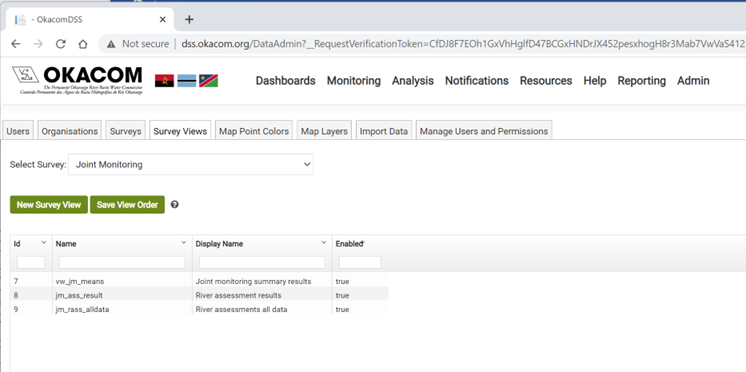
A new survey can be added by clicking the New Survey View button, or edited by clicking on the name of a Survey View. This will open up a new section with a number of tabs which allows the user to control how the data in the survey view is shown, set which fields might be editable, show layers on the map view among other items. This is the heart of the presentation tool. Each of the tabs is described in the subsections below. The default tab is the View Details.
-
Created with the Personal Edition of HelpNDoc: Easily create CHM Help documents